Why I Chose FreeCAD Over Fusion
What is FreeCAD, and why I chose it over "professional" software like Fusion

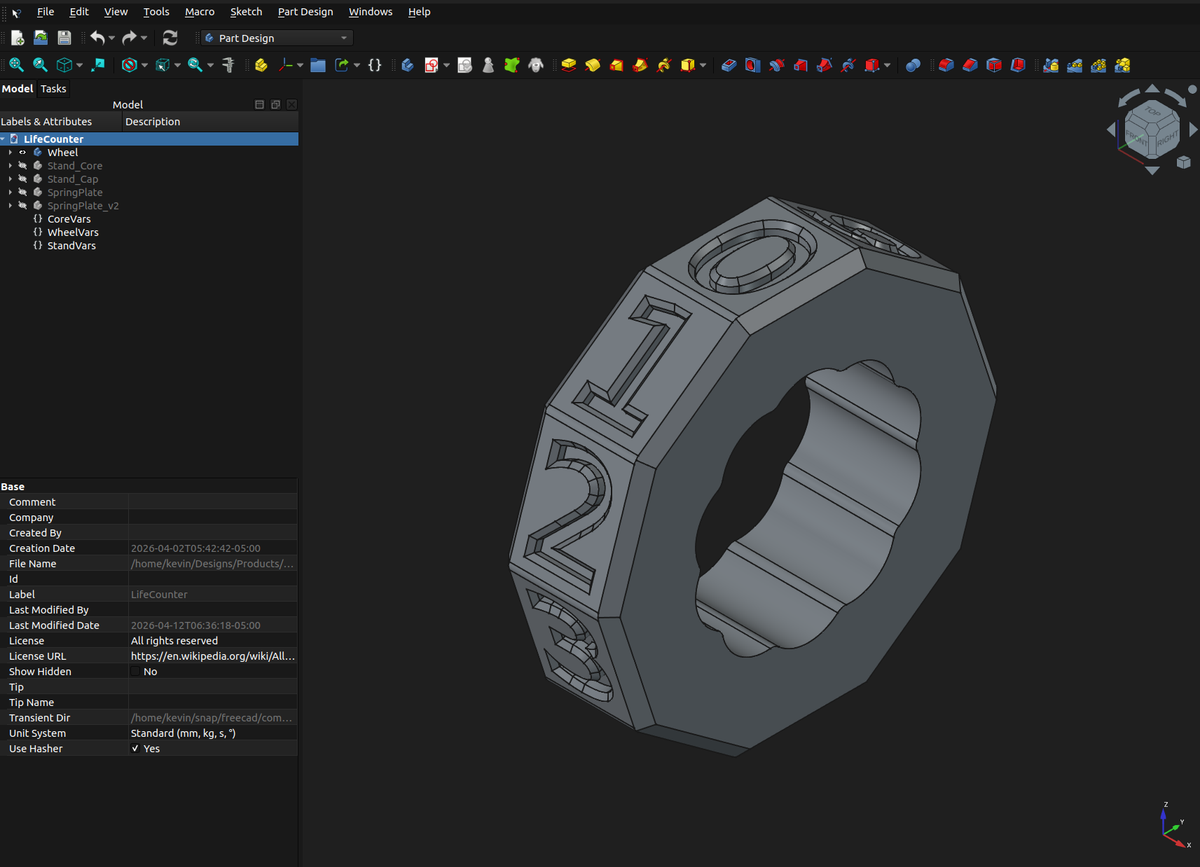
Introduction
I've always enjoyed turning my ideas into reality. My first experience of doing this with CAD, or computer aided drafting, was back in high school as part of the PLTW / Project Lead the Way program.
It was sophomore year when we were introduced to Inventor. It was, by far, my favorite class and we spent the hour and a half designing different types of objects and assemblies. If I remember correctly, the final project was a multi-part train and we designed the engine, wheels, smoke stack, etc. Unfortunately we didn't have 3D printers at the time so our projects stayed inside the computer.
Inventor isn't the only CAD program though - there are options like SolidWorks, CATIA, Fusion, and FreeCAD. Having used Inventor in the past, I naturally started with that when I got back into 3D printing, but it didn't take long to make the switch to Fusion. It was cheaper and, in my opinion, more intuitive with a better interface.
Enter FreeCAD
If I was using Fusion successfully, why consider another option like FreeCAD? I'll admit, Fusion seems to be the defacto choice for 3D modeling & hobbyists, and FreeCAD tends to have a much higher learning curve. There are a few reasons I prefer FreeCAD though.
Open Source
First, FreeCAD is open source and everything runs local. Download the installer, run it, and you're good to go. You can access all features, run it without an internet connection, and there's no limit to how many designs you can create.
Fusion, on the other hand, is closed source and cloud-first / cloud native. You have the option to save files locally, but Fusion forces you to create a cloud workspace, defaults to cloud saves, uses the cloud for versioning, and uses cloud credits for things such as renders.
You also have to be subscribed and logged in to your Autodesk account in order to use Fusion, and if you're on the free / hobby subscription, you're limited to 10 active projects at any given time. In order to work on more, you have to "deactivate" other designs, preventing you from making any additional changes to them.
Cross Platform
Another major benefit is that FreeCAD is available on Windows, Linux, and Mac. Fusion is only available on Windows.
No AI
It's no secret that I don't like AI, so the fact that FreeCAD doesn't force AI on you is a huge win. That's not the case with Fusion, which recently added AI.
Free
FreeCAD is offered as a free download while Fusion requires a subscription of some sort. That being said, you can use Fusion for free as well under the hobbyist license.
It's always good to support open source software that you use and enjoy, though (which you can do on the FreeCAD home page)!
Resources
One area that I think FreeCAD is lacking compared to Fusion360 would be the learning curve and complexity. BUT there are great resources for learning how to use it.
One option is the FreeCAD wiki, which has tutorials and a lot of information on workbenches, scripting, etc.
The best resource I've found though, is MangoJelly on YouTube. There are a bunch of individual videos, but if you're just starting out, you should definitely give the beginners playlist a watch!
So, do you use FreeCAD, Fusion, or another solution for designing your 3D models? Let me know in the comments!